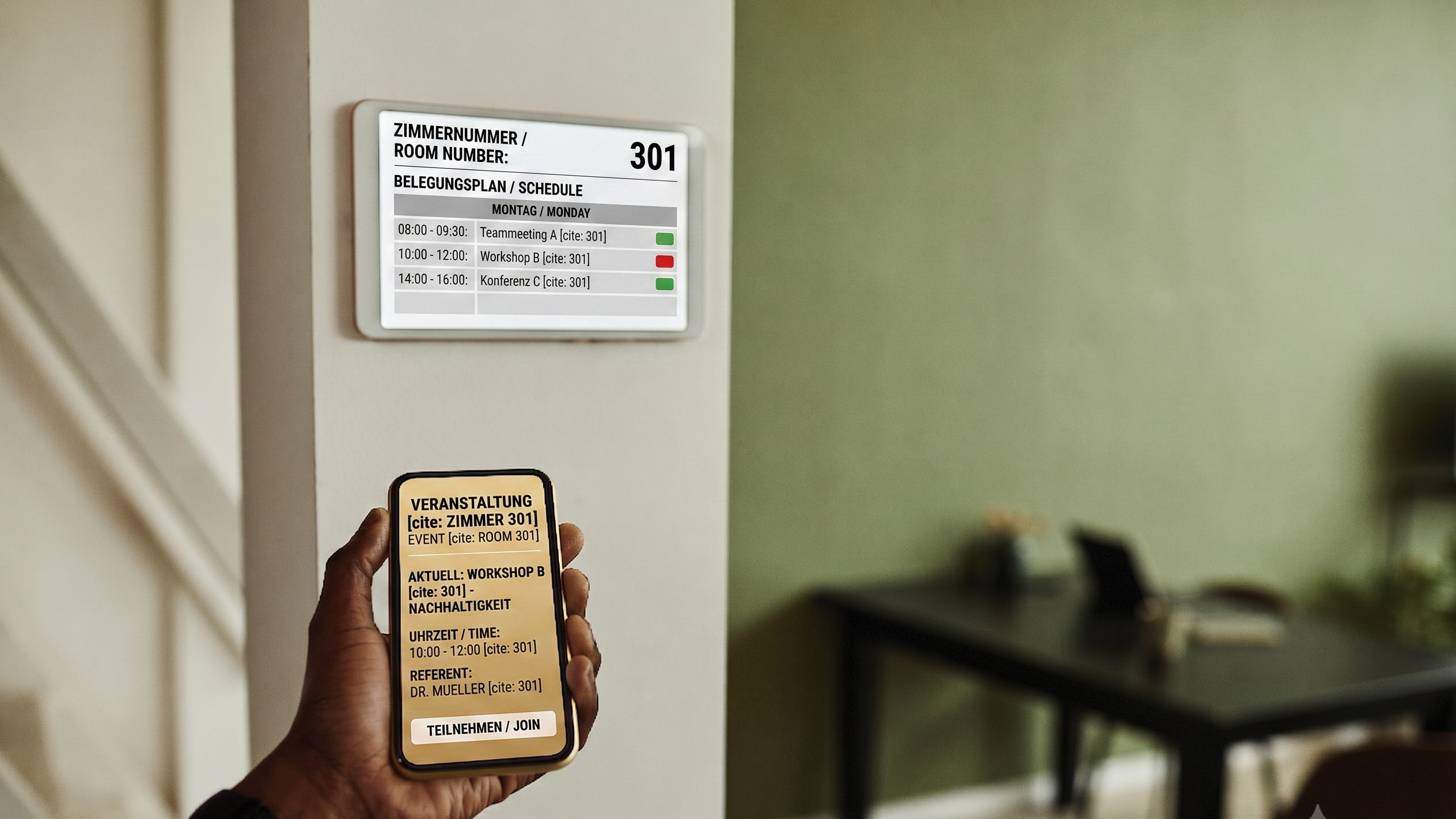
ScreenWay makes your rooms visible and bookable on the spot.
Room status, booking and check-in are at the door, in sync with the calendar you already run. No knocking, no peering through the door, no walk back to your desk.
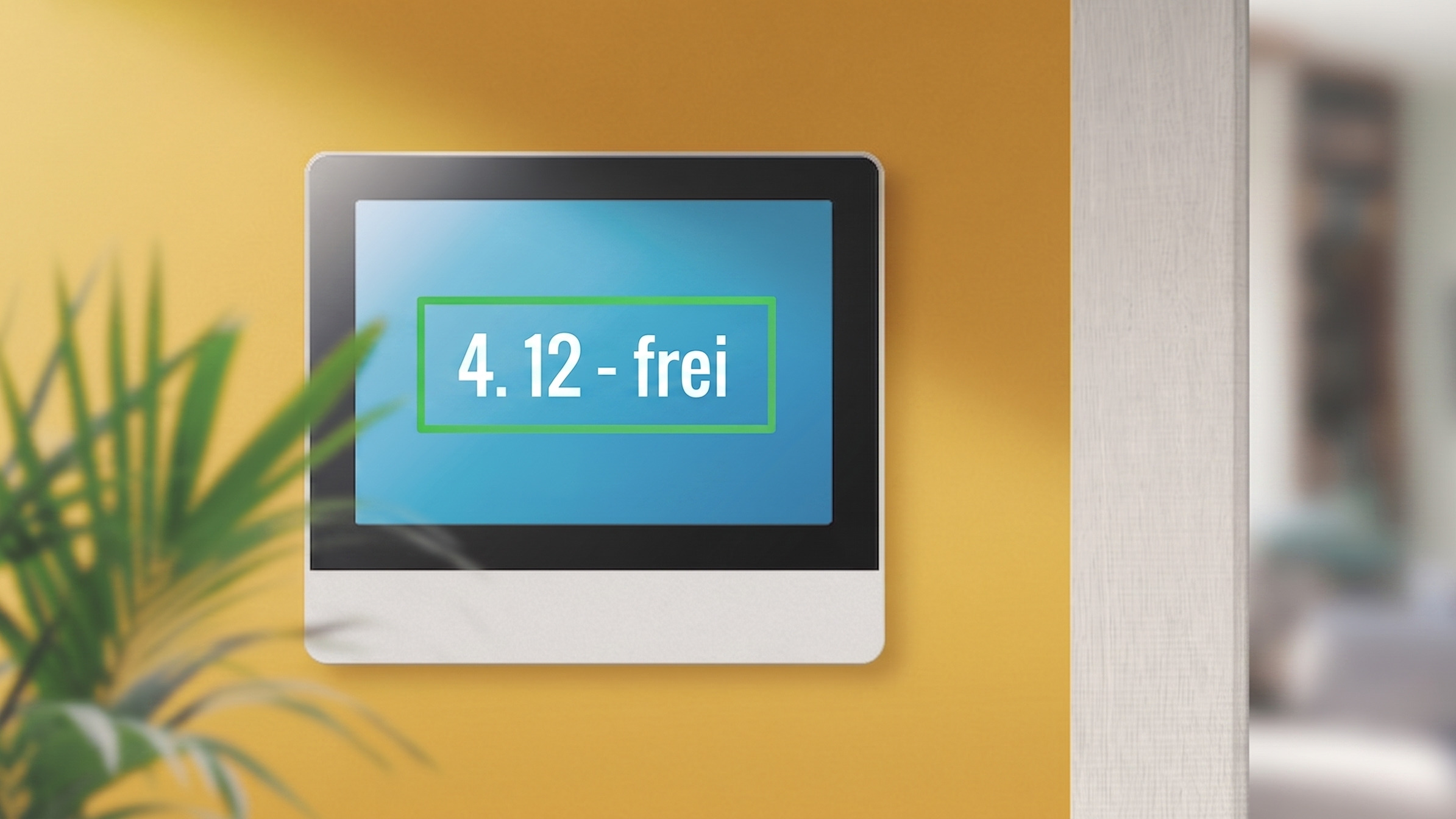
The corridor can see the room is free before anyone touches the handle.

North meeting room
3rd floor · room 3.12
Next meetings
- 11:30 – 13:00Quarterly reviewHanna Reuter
- 13:45 – 14:45Sales onboardingLena Hoffmann



The software for your door signs, in every kind of room.
ScreenWay supplies what runs on the sign. Which device hangs on the wall stays your decision. It serves meeting rooms as well as desks, lecture halls or treatment rooms, and each kind of room gets the details that belong to it.
Sale conferenze e sale riunioni
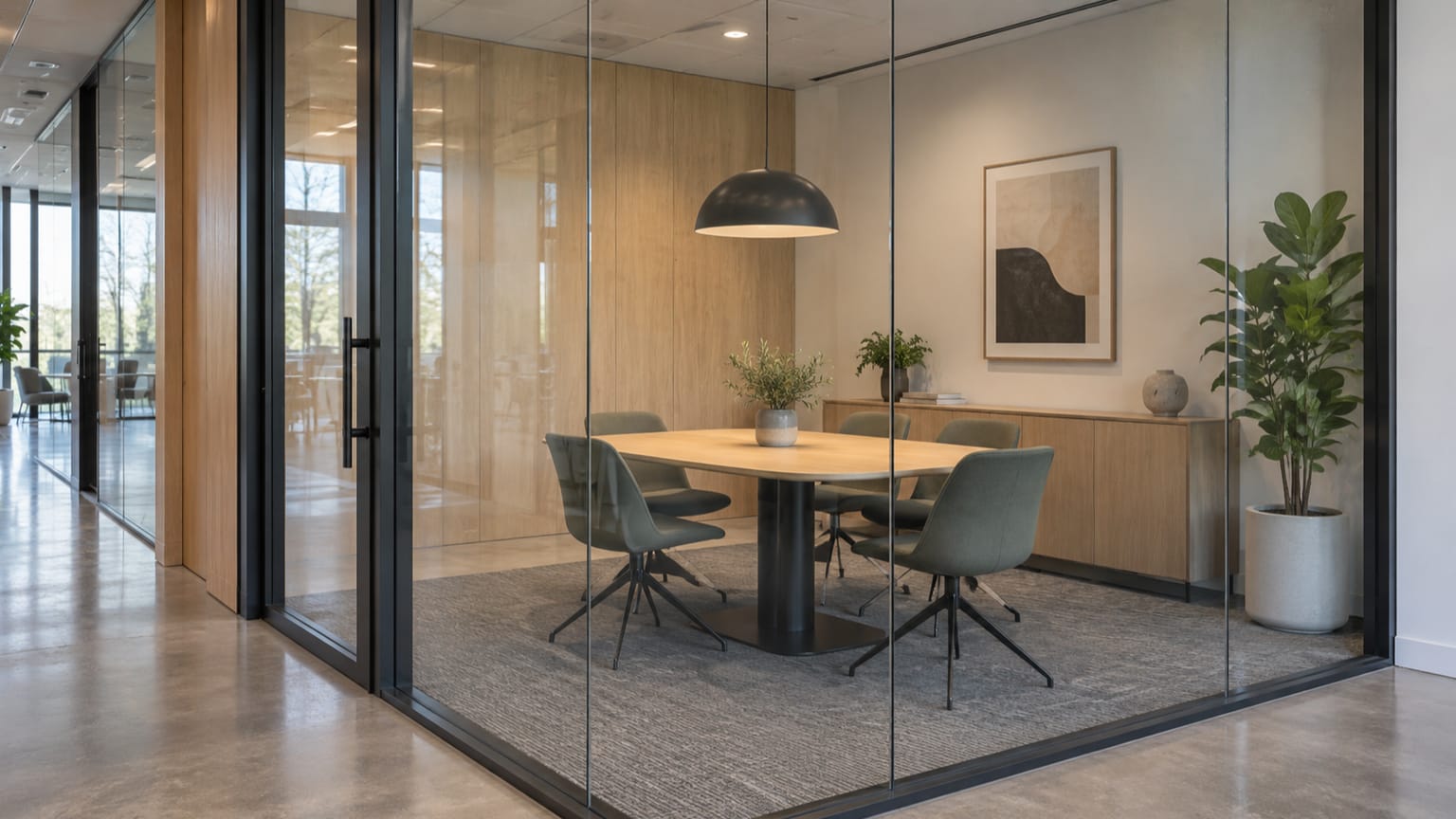
From the three-person huddle room to the boardroom. Status, ad-hoc booking, check-in and automatic release.
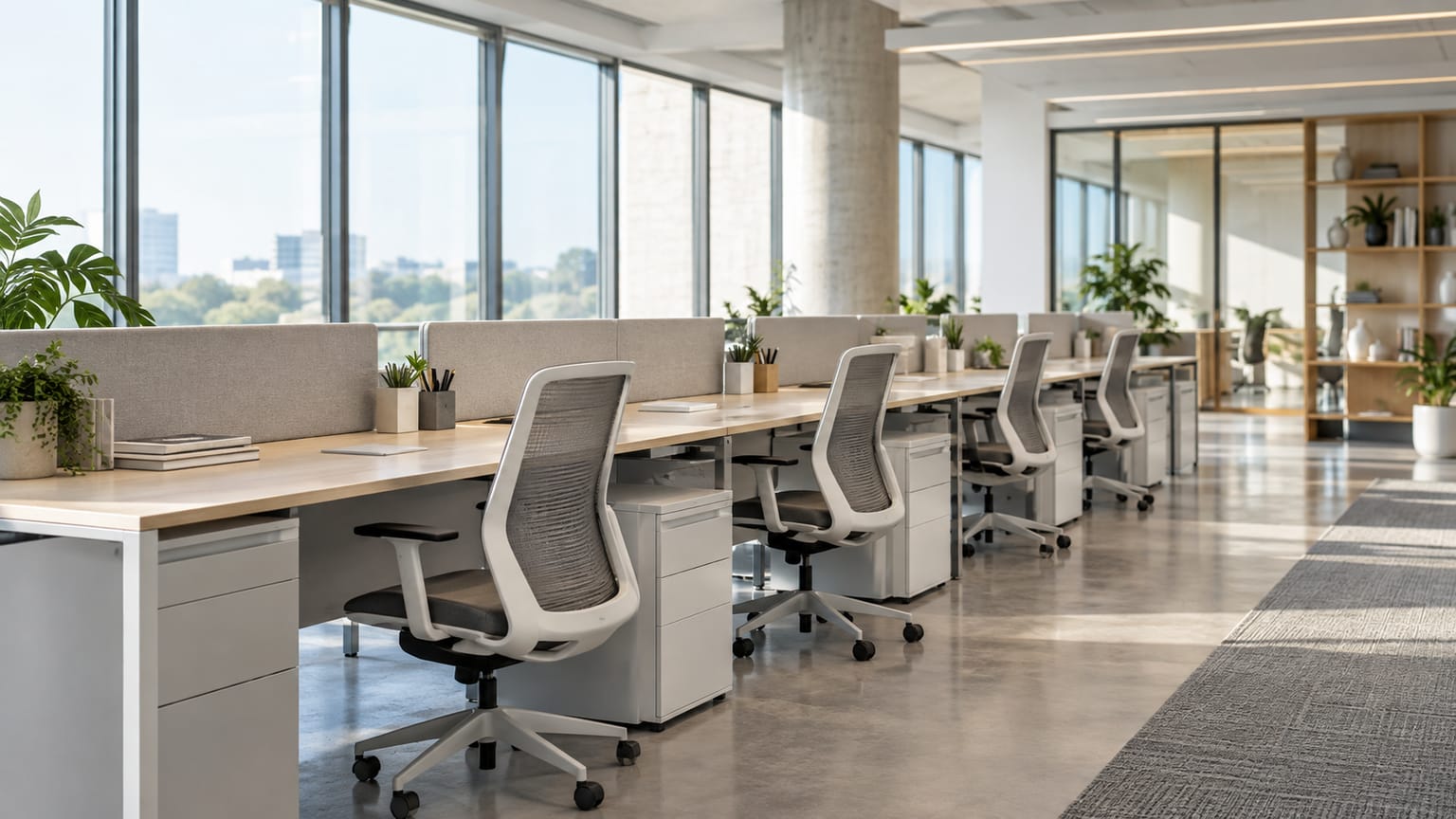
Desks and desk sharing
Day reservations instead of hourly bookings, today's user by name, booking by QR code or app.
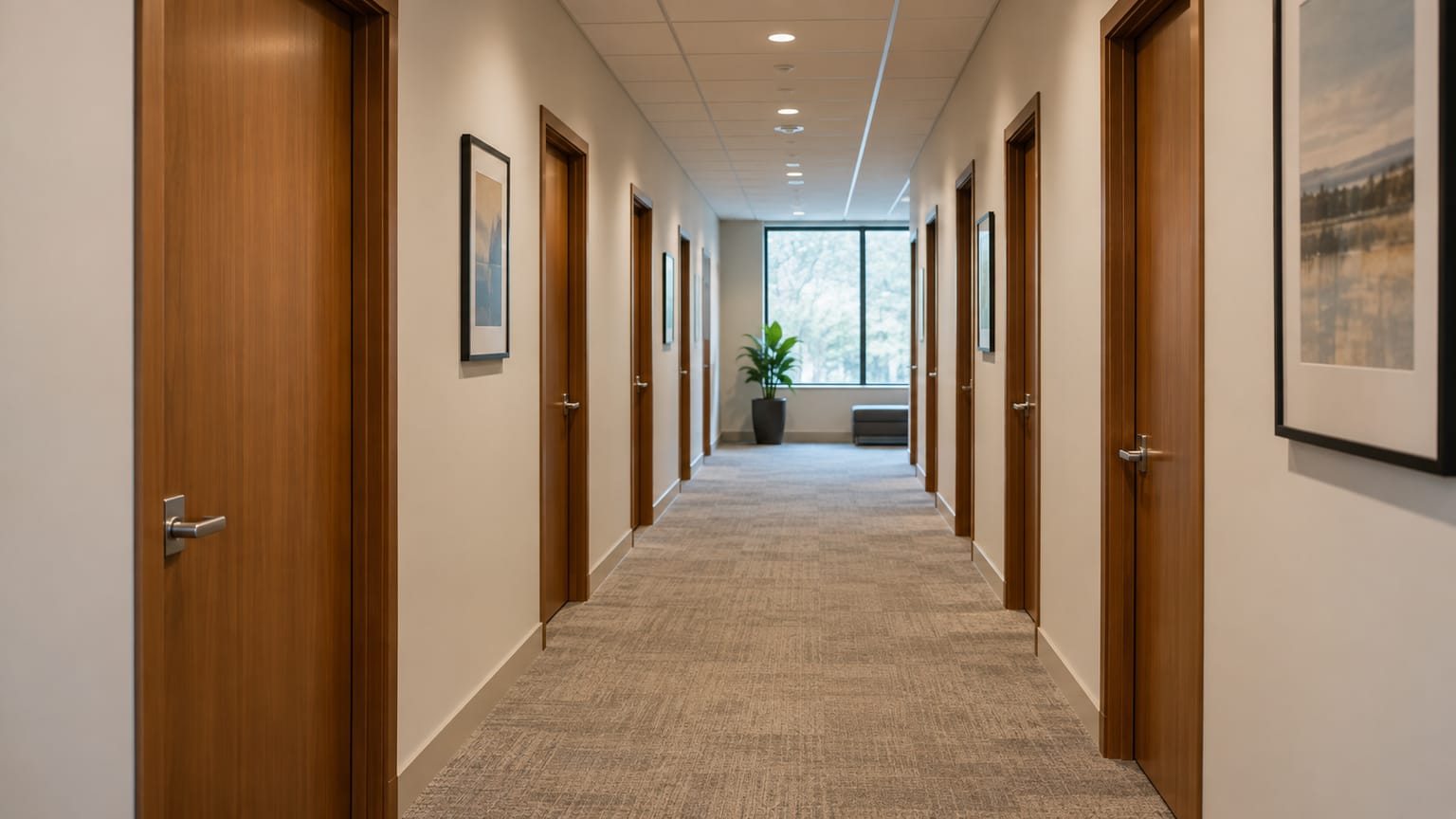
Private offices and quiet zones
Nothing is booked here, things are assigned: who sits inside, are they in today, may you knock.
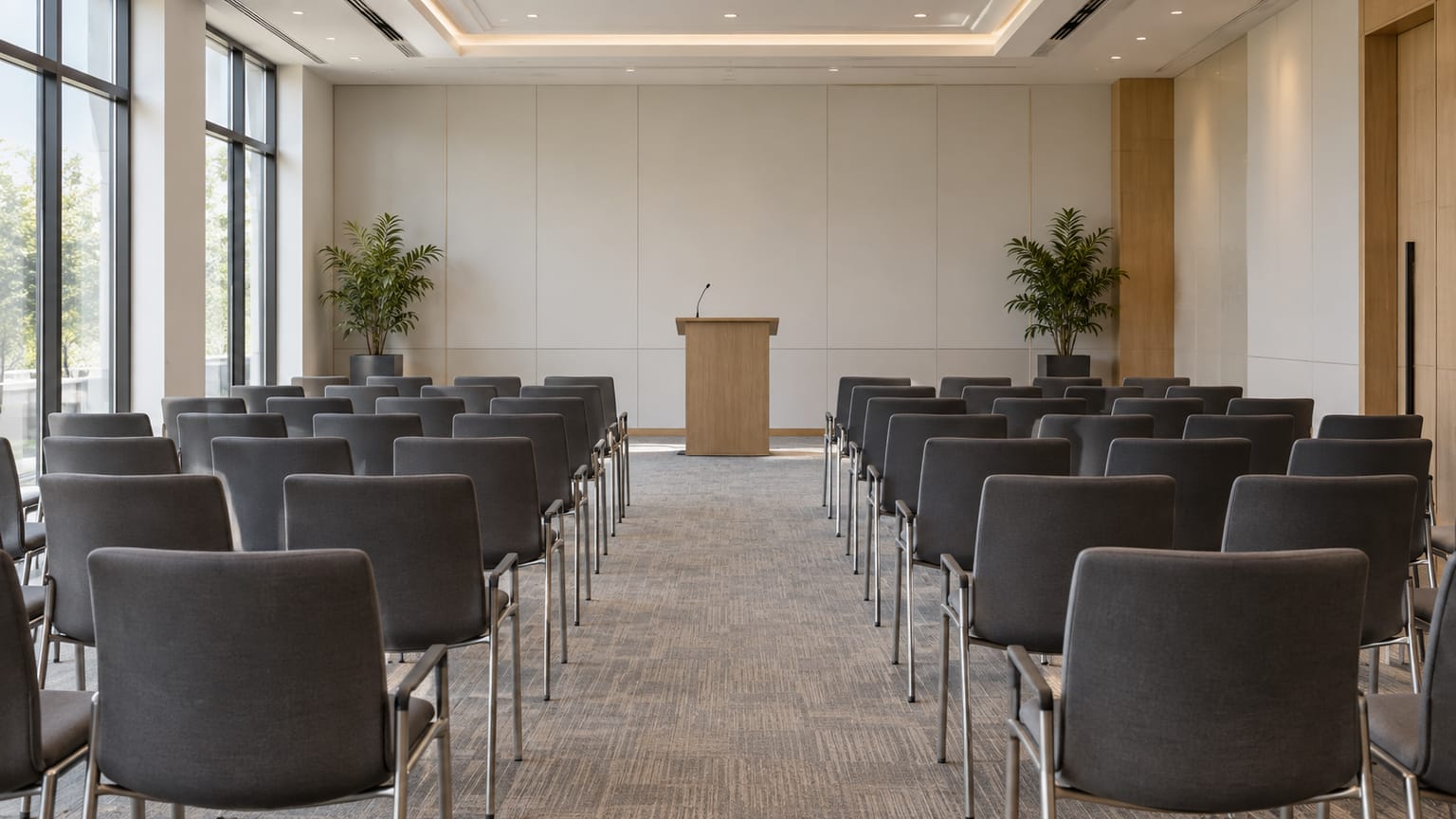
Aule seminari e aule magne
The timetable comes from the campus system. If a class is cancelled or moved, it says so at the door before anyone goes looking for a notice.
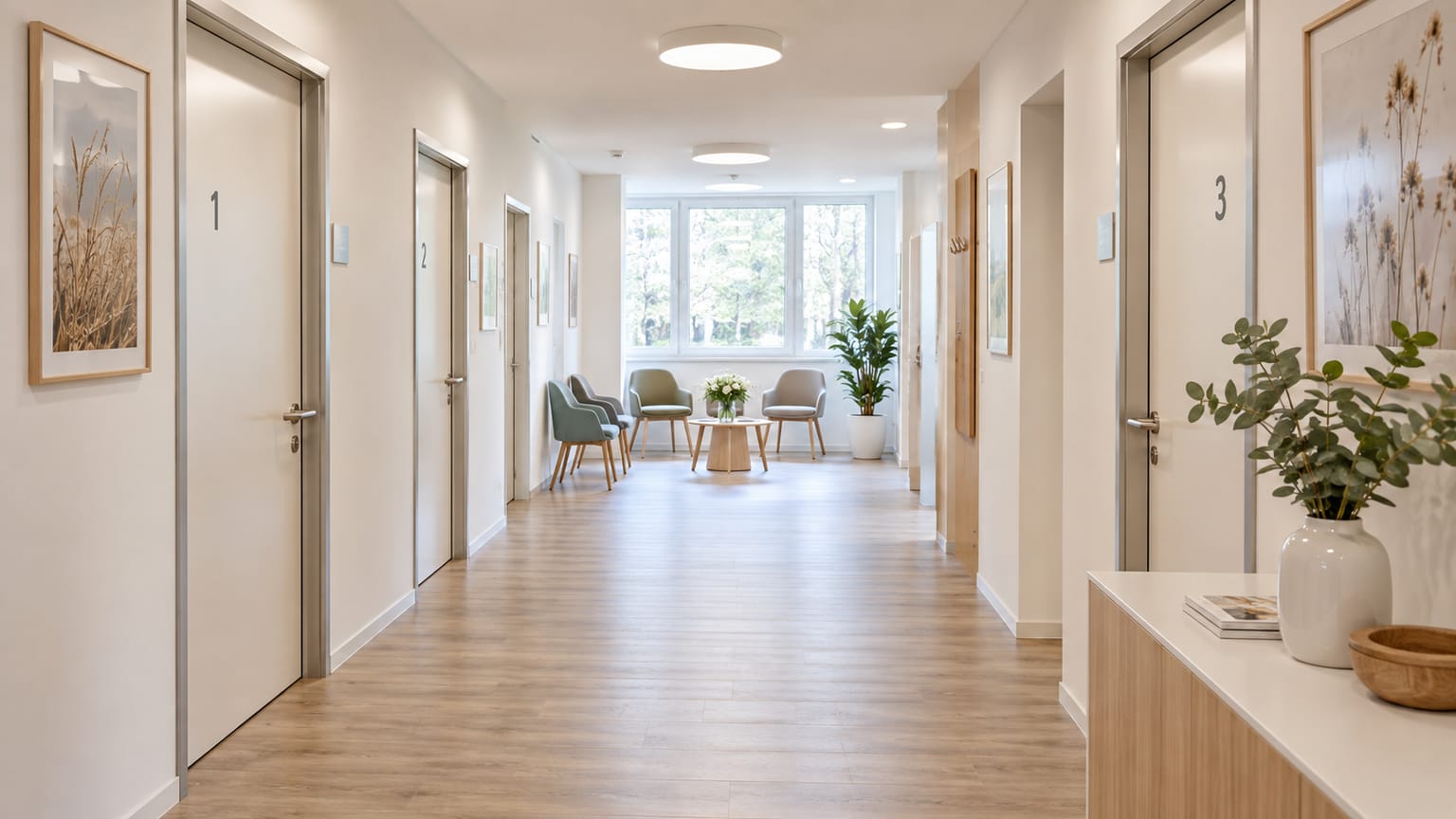
Treatment and waiting areas
Occupied or free, nothing more at the room. Patient data does not belong on a corridor screen, and here it cannot be switched on by accident.
Coworking, hotels and business centres
Guests book for themselves, without an account in your organisation. Multilingual, connected to the hotel or management system that already runs the rooms.


Every room on a floor at a glance
At the corridor junction or at reception it shows what is free on the whole floor. Anyone looking for a room passes here anyway and sees it, instead of walking past eight doors.

- North meeting room8 seatsIn usefree from 13:00
- South meeting room12 seatsFreefino a 12:15
- Meeting 3.044 seatsFreefino a 12:00
- Meeting 3.074 seatsStarting soonfrom 11:30
- East project room6 seatsIn usefree from 14:15
- Focus room 3.112 seatsFreefino a 11:45
- Training room20 seatsFreefino a 13:30
- Boardroom14 seatsStarting soonfrom 11:30
Blocked rooms become usable again, free ones are found at once.
Two things cost every organisation time and floor space: bookings nobody turns up for, and the daily hunt for a free room. Both are settled at the door.
30 % of bookings are never used
A check-in at the sign settles it. If none comes, ScreenWay releases the room and updates the calendar. Nobody has to tidy this up by hand.
Fonte: Gartner
40 % of employees hunt for a free room every day
Hunting means walking the corridor, peering through glass, knocking. The sign has the answer before anyone touches a handle.
Fonte: Steelcase
Unused bookings are released automatically.
A booking nobody turns up for blocks the room until the entry ends. With a check-in at the sign it ends after a few minutes, and without anyone intervening.
- Velthaus11:30giovedì 1 gennaio
North meeting room
3rd floor · room 3.12
In useFree from 13:00Quarterly review · 11:30 – 13:008 seatsNext meetings
- 13:45 – 14:45Sales onboardingLena Hoffmann
- 16:00 – 17:00Campaign sign-offMaximilian Bauer
powered byThe meeting starts
Eleven o'clock, the room counts as occupied. Up to here ScreenWay behaves like any calendar.
- Velthaus11:34giovedì 1 gennaio
North meeting room
3rd floor · room 3.12
Quarterly review11:30 – 13:00Please confirmAutomatic release in 4:128 seatsWe are hereNext meetings
- 13:45 – 14:45Sales onboardingLena Hoffmann
- 16:00 – 17:00Campaign sign-offMaximilian Bauer
powered byNobody confirms
The sign asks. One touch is enough. How long it waits is up to you.
- Velthaus11:40giovedì 1 gennaio
North meeting room
3rd floor · room 3.12
FreeFree until 13:458 seatsBook 30 minutes60 minutesNext meetings
- 13:45 – 14:45Sales onboardingLena Hoffmann
- 16:00 – 17:00Campaign sign-offMaximilian Bauer
powered byThe room is free again
The booking lapses, the calendar is updated, the room shows up in search again.
What that returns
With forty rooms and a quarter of bookings unused, that is several hundred room hours a year that currently belong to nobody. How many it is for you is in the analytics report, and before you rent more space.
Your content between meetings
A door sign spends most of the day showing that nothing is happening. That time belongs to whatever the organisation announces anyway: notices, events, and in coworking and hotels advertising too.
What is coming up
Staff meeting, accounting moving floors, Friday maintenance window. The same notices that otherwise drown in a round-robin email.
What visitors want to know
In coworking and business centres the same screen carries the day's offer, the events and, if you wish, advertising from partners in the building.
Who sets this up
The same interface you use for every other screen in the building. The door sign is one of many and needs no tool of its own.
North meeting room
This week in the building

Where this stops
As soon as a meeting starts, the content steps back. A sign where the canteen looks more important than the room status has missed its job.
Your calendar stays as it is.
ScreenWay replaces no booking system; it makes the one you have visible and usable at the door. No migration, no second calendar, no double upkeep.
- Microsoft
Via the Graph API, app-only with minimal permissions. No plugin on the machines, no agent on the server.
- Microsoft 365
- Outlook
- Exchange Online
- Exchange Server
- Teams und Teams Rooms
Straight through the Workspace API. Mixed operation is intended: one sign can serve Microsoft and Google rooms at once.
- Google Workspace
- Google Calendar
- Google Meet
- Other systems
For places where the rooms are not run by a calendar but by a specialist system: timetable, admissions, reception.
- Zoom Rooms
- HCL Notes und Domino
- Campus and timetable systems
- Hospital and admissions systems
- Hotel systems such as PMS, SIHOT, Opera
- Open REST API
For the organisation with its own system. Rooms, bookings and status can be read and written without us having to build anything.
What this means for rollout
There is no data to migrate. The rooms already exist in the calendar; ScreenWay reads them and shows them. One more room is one more sign, not a project.
You decide who sees which meeting data.
For each screen you decide which details it shows. A sign in a public corridor might then show only the status, while one in an internal area adds the title and times.
- Velthaus11:50giovedì 1 gennaio
North meeting room
3rd floor · room 3.12
In useFree from 13:008 seatspowered byIn the public corridor
Only the status and when the room is free again. No title, no organiser, no attendees.
- Velthaus11:50giovedì 1 gennaio
North meeting room
3rd floor · room 3.12
In useFree from 13:00Quarterly review · 11:30 – 13:008 seatsNext meetings
- 13:45 – 14:45Sales onboardingLena Hoffmann
- 16:00 – 17:00Campaign sign-offMaximilian Bauer
powered byIn the internal area
Additionally the title and the times. Attendee names appear only after signing in at the sign.
Sign-in through your directory
SAML 2.0 and OpenID Connect, meaning Entra ID, Okta or Google Workspace. No second set of credentials that somebody would have to maintain.
When the network fails
The sign keeps the last known state instead of going dark. Whatever was booked on the device meanwhile is submitted once the connection returns.
Traceable afterwards
Booking, extension, release and every configuration change are logged with timestamp and device, and can be exported to your SIEM.
Processing in the EU
The data sits on servers in the EU; a data processing agreement is part of the contract and is not negotiated separately.
Book on the spot, right at the room
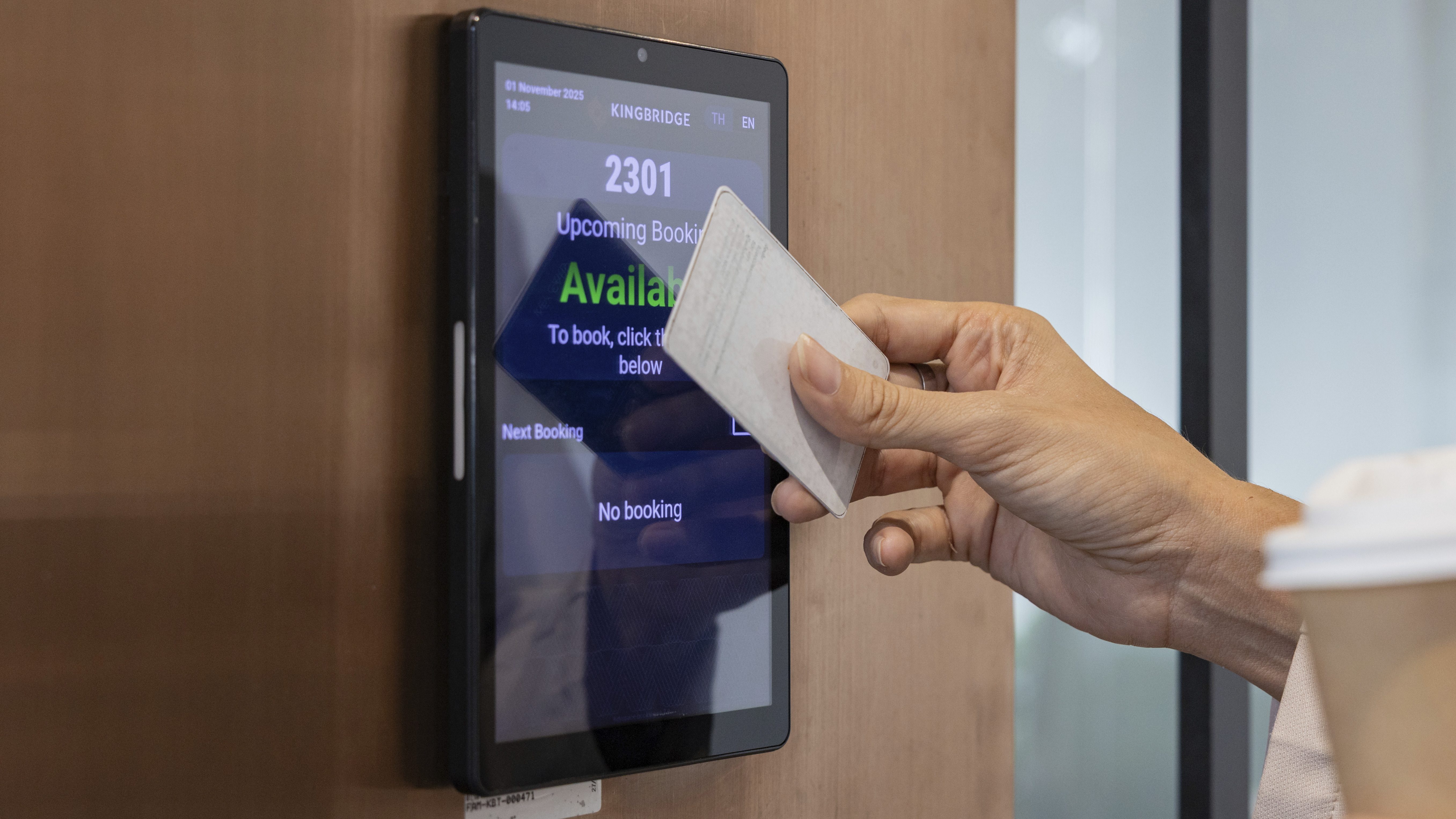
No login, no app, no walk back to the desk. Three taps on the sign and the booking is in the calendar your organisation already runs.
Two durations are offered, because nearly every ad-hoc meeting runs half an hour or a full one. Anyone who needs longer plans at their desk anyway.
Without a user account too
Booking at the sign requires no sign-in. Where that is not wanted, confirmation by PIN can be required, decided per screen.
North meeting room
3rd floor · room 3.12
Next meetings
- 13:45 – 14:45Sales onboardingLena Hoffmann
- 16:00 – 17:00Campaign sign-offMaximilian Bauer
What changes in the working day.
Typical everyday situations and how ScreenWay improves them.
- Finding a free room
- Without ScreenWayWalking the corridor, peering through glass, knocking. With bad luck you interrupt a meeting.
- With ScreenWayAt the corridor junction it shows what is free on the floor, and until when.
- Needing twenty minutes at short notice
- Without ScreenWayBack to the desk, open the calendar, find a room, book it, walk back. By then it is gone.
- With ScreenWayTwo taps on the sign and the booking is in the calendar.
- Nobody turns up
- Without ScreenWayThe room stays blocked until the entry ends. Releasing it would take someone doing it by hand, and nobody does.
- With ScreenWayWithout confirmation at the sign it falls back after a few minutes and the calendar is updated.
- Knowing whether the rooms suffice
- Without ScreenWayGut feeling and complaints. When it gets tight, more space is rented.
- With ScreenWayOccupancy per room and floor, booked versus actual duration, peak periods. Measured, not estimated.
ROI-Rechner
Was bringen digitale Türschilder Ihrem Unternehmen?
Passen Sie die Schieberegler an Ihre Situation an. Die Berechnung aktualisiert sich sofort.
ROI pro Jahr
418 %
Ammortamento in 3 mesi
In che modo ScreenWay crea valore aggiunto
Freigabe ohne Nachfassen
Wer nicht eincheckt, verliert die Buchung. Der Raum erscheint wieder in der Suche, ohne dass jemand ihn melden muss.
Mehr nutzbare Stunden
Ein Kalender statt zwei
Outlook, Google und Zoom Rooms in Echtzeit. Keine zweite Pflege, keine doppelte Eingabe, kein Abgleich von Hand.
Keine Doppelbuchung
Übersicht statt Rundgang
Bis zu acht Räume auf einer Fläche am Empfang oder im Flur, statt acht Türen abzugehen.
Kürzere Wege
Zahlen für die Flächenplanung
Auslastung je Raum und Etage zeigt, wo Kapazität fehlt und wo sie brachliegt, bevor jemand anmietet.
Belegt statt geschätzt
Gartner (Anteil nicht wahrgenommener Buchungen), Steelcase (Raumsuche), Comeen (wiederkehrende Ghost-Meetings)
Domande su digital door signs
You already have the rooms.
The calendar is in place, the rooms exist, the meetings run. What is missing is the answer at the door and a way to take a free room where you need it. They are just not visible yet.
One room is enough to start
Create an account, connect the calendar, pair one sign. What follows is the same gesture for every further room.