Your booth speaks before you do.
ScreenWay puts your message on the large display at your booth, on the kiosk beside it and on the wayfinding in the aisle. You change it yourself, in the middle of the show.

Maintenance before the machine stops.
Live demo today
- 11:00Predictive maintenance in operation
- 14:00Retrofit for existing plants
- 16:30Q&A with the engineering team

Read from twenty metres away.
In a crowded hall the first glance from a distance decides. What it says is your decision.
- One statement large instead of seven points small
- Image, text and video from one media library, without an agency
- The same message on every surface at the booth, maintained once

Maintenance before the machine stops.
Live demo today
- 11:00Predictive maintenance in operation
- 14:00Retrofit for existing plants
- 16:30Q&A with the engineering team
Whatever visitors ask about at the booth is on the surface a minute later.
The focus marketing agreed on six weeks ago rarely survives the first morning of a show. You change it yourself, from your phone, without an agency and without a print shop.
- Change from your phone, visible in seconds
- All displays at the booth at once, or one by one
- Preview before publishing, unseen by visitors


Product overview
Condition monitoring, basic
4 sensors · IP65
Condition monitoring, plus
12 sensors · IP67
Retrofit module for existing plants
from year 2008
Appointment at the booth
Tap to select
Visitors help themselves.
Not everyone wants to be approached, and your booth staff are busy at peak times anyway. A kiosk handles the catalogue, comparisons and appointment requests even when nobody is free.
- Product catalogue and specifications to browse
- Appointment request and contact details at the device
- Documents by QR code onto the visitor's phone
Who may change what
At the booth the stand manager changes the open slots, marketing keeps control of the message. Both in the same system, with separate rights and an approval step in front.
The programme runs, even when it shifts.
A talk starts late, a room is swapped, a speaker drops out. Printed programmes are then wrong, everywhere at once. Here every aisle shows what actually applies.
- Current and next session with a countdown
- A room change appears on every display in the hall
- Roles and approvals for the organising team

On now
Maintenance without downtime
Dr Annika Reuter, plant management
Up next
starts in 14 min
- 15:15Retrofitting sensors, a field reportHall Cmoved from 14:45
- 16:00Panel: maintenance and uptimeHall C
- 17:00Closing and outlookEast foyerroom change
Two changes are on the plan: one session moved in time, one changed room. Both are marked instead of being replaced quietly.
Even without the hall Wi-Fi.
Hall Wi-Fi collapses the moment the doors open. Content therefore sits locally on the device and keeps running. To be honest about it: changes during the show do need a connection, a phone hotspot is enough.
- Content sits on the device, not in the network
- The playlist keeps running if the connection drops
- A phone hotspot is enough for live changes
No connection

Maintenance before the machine stops.
Live demo today
- 11:00Predictive maintenance in operation
- 14:00Retrofit for existing plants
- 16:30Q&A with the engineering team
The playlist keeps running, the content sits on the device.
What does not work now: pushing a change. That needs a connection.
Up and running in thirty minutes. And again at the next show.
Set up the device, plug in the power, pick the playlist. After the show the booth goes into the skip, the displays do not. Same hardware, new playlist, next event.
- Fifteen to thirty minutes to a running display
- Standard displays, media player via HDMI
- Playlists per event, content is kept
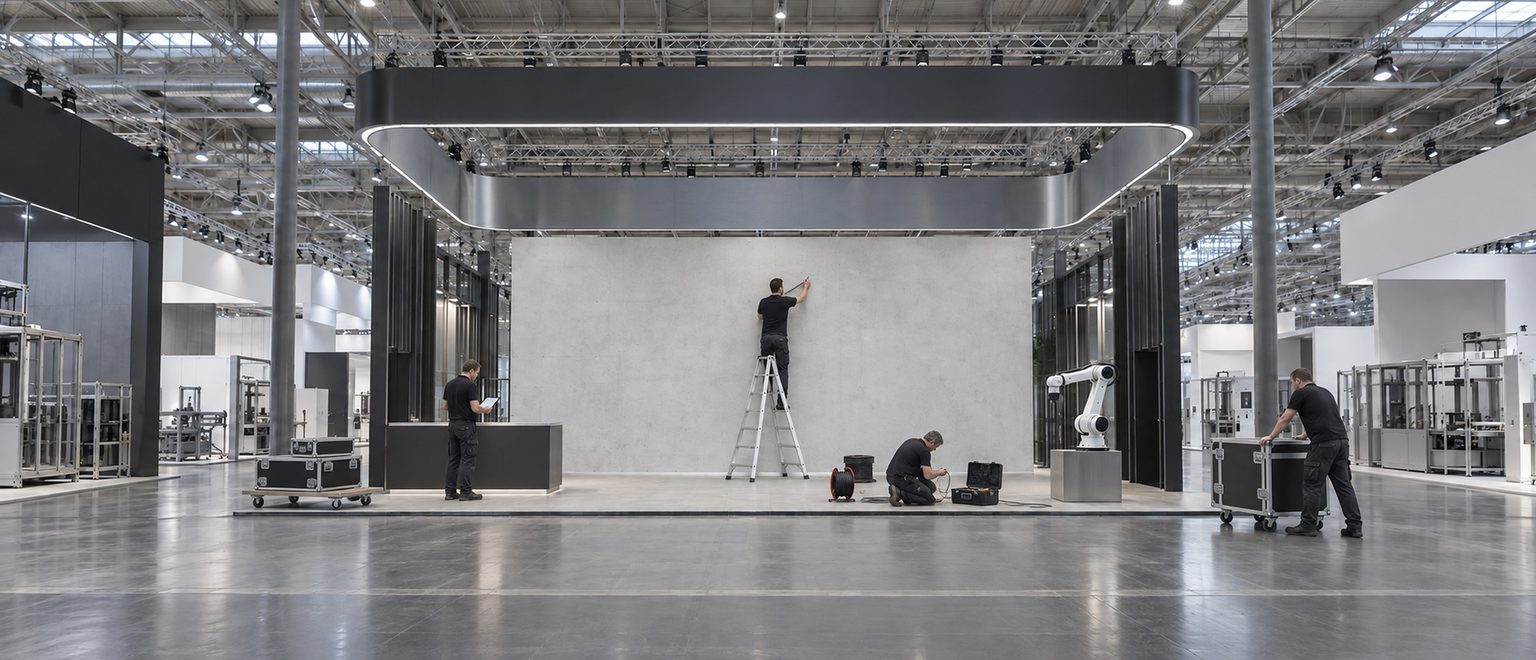 1Set up the device
Plug in the power, HDMI into the screen. That is all the hardware it takes.
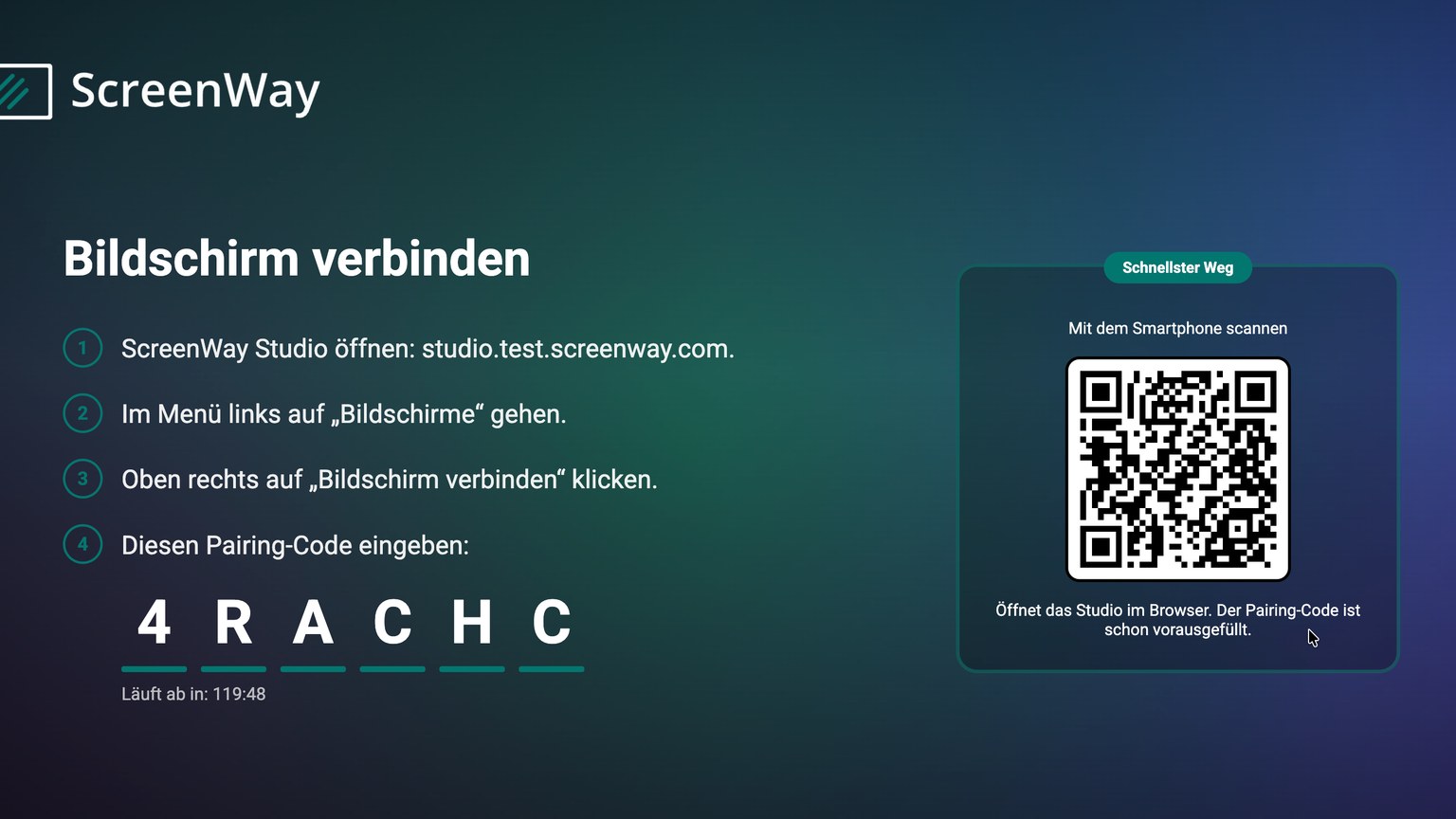 2Pair the screen
The player shows a code, you enter it in the studio. After that the screen belongs to your booth.
- 3Pick the playlist
The content from the last event is still there. Anyone reusing it is done at this point.
- Hall 6 · Booth B-21414:21
Maintenance before the machine stops.
Live demo today
- 11:00Predictive maintenance in operation
- 14:00Retrofit for existing plants
- 16:30Q&A with the engineering team
Come and talk to usDEENFRRunningFrom here on you only change the content, never the setup again.


What you save on print, you gain at the booth.
ScreenWay strengthens marketing and customer engagement. Your content is communicated directly and in a modern form over displays.
- On day two everyone asks about something else
- PrintedNew print run, courier, at the booth tomorrow morning at the earliest.
- With ScreenWayFrom the next minute the booth promotes what people are actually asking about.
- A talk shifts by half an hour
- PrintedEvery printed programme is wrong from that moment, everywhere at once.
- With ScreenWayEveryone in the hall sees the right time, nobody waits outside the wrong room.
- A visitor wants documents, the booth staff are busy
- PrintedCollect a business card and follow up next week.
- With ScreenWayThey help themselves and leave their details while doing so.
- The show is over
- PrintedThe banner goes in the skip, next year it is printed again.
- With ScreenWayThe same devices carry the next event, only the content is new.
ROI calculator
What does ScreenWay bring to your trade show presence?
Adjust the sliders to your trade show planning. The calculation updates instantly.
ROI per year
57 %
Payback in 8 months
How ScreenWay creates value
Attention from a distance
Moving images draw up to 400 percent more looks than static stands, the decisive advantage in the hall.
+ 400 % attention
Digital lead capture
QR code, NFC or touch form straight into the CRM, no pile of business cards and no follow-up chase.
Straight into the CRM
Change content live
From the phone app: demo time, focus or notice on every booth screen within seconds.
Agile
A more sustainable presence
The same hardware at every show, only the content changes. Less print, less waste.
ESG-ready
AUMA 2024 (trade show figures), Crown TV (motion vs. static), Freeman Trust Report, Freeman Trends 2024
Questions about trade shows and events
Your next booth can already do this.
Large display, kiosk and wayfinding from one place, maintained by your team and changed in the middle of the show. We set it up for your next event.
Ready in time for your next show
Create an account, pair the screen, upload your content. The three steps from further up, nothing more.