Every screen in the hub shows the same live status.
Airports, railway stations, bus stations, ports: ScreenWay pulls the data from your source systems and plays it out in multiple languages on every screen. Wayfinding and emergency alerts run on the same platform, and so do the advertising spaces you sell.
Developed and operated in Germany · GDPR-compliant
The numbers first.
What passes through transport hubs every day, and what Digital Signage demonstrably changes there.

Airport
The flight schedule drives the whole terminal.
FIDS integration, gate displays, baggage belt information, duty-free advertising, lounges and safety notices all hang off the same source. The first screen of the tour is already running.
Departures ABFLUG
14:22LH 452MUNICHA12Boarding
14:35EW 2044PALMAB27Gate changed
14:40UA 989CHICAGOZ15On time
14:55AF 1019PARIS CDGA22On time
15:05EK 46DUBAIC58New 15:40
15:20OS 122VIENNAB18On time
FIDS wall screen · ScreenWay Player · Simulation
- Real time from the airport management system: departures, arrivals, gate allocation, delays, boarding calls. AODB, REST/SOAP and XML/JSON are supported.
- Under 5 seconds from the data point to the screen, under 1 second with a local edge server. A gate change is on the display before anyone gets restless.
- Multilingual and accessible: automatic language switching, RTL languages, prioritisation by destination or time of day.
Wayfinding and navigation
Interactive signposts, terminal maps and totems guide passengers through large hubs, in multiple languages and fully accessible.
Waypoints in the terminal, screen by screen.
Every point along the passenger journey has its own screen and its own job.

Check-in and entrance
The first step into the terminal: check-in desks, security waiting times, flight status, directions.
- Real-time waiting times at security and check-in
- Multilingual welcome displays
- Large LED walls as eye-catchers and landmarks

Gates and waiting area
Boarding status, flight time and connections, with infotainment and advertising in between.
- FIDS integration for automatic boarding announcements
- Destination-specific advertising for tax-free shopping and lounges
- News and weather for the wait

Baggage reclaim and arrivals
Which belt, how long, where is the transfer.
- BIDS integration (Baggage Information Display System)
- Transfer and public transport connections
- Local advertising: hotels, car hire, taxis

Restaurants and cafés
Order quickly in a hectic environment.
- Time-controlled menu changes (breakfast/lunch/evening)
- Waiting-time display and order numbers can be integrated
- Allergens and multilingual menus

Revenue and Retail Media
Gate areas are among the most valuable advertising spaces anywhere. The ads run while passengers are waiting anyway.
- Destination-based advertising: travellers to Dubai see luxury brands
- Time-of-day targeting, business vs. leisure
- Playback reports and reach analytics for advertising partners

Waiting zones and infotainment
News, weather, sport and local content fill the wait. Anyone with something to watch feels it passes faster.
Safety and emergency: see the cross-section at the end of the tour

Rail and bus
Platform changes without anyone having to ask.
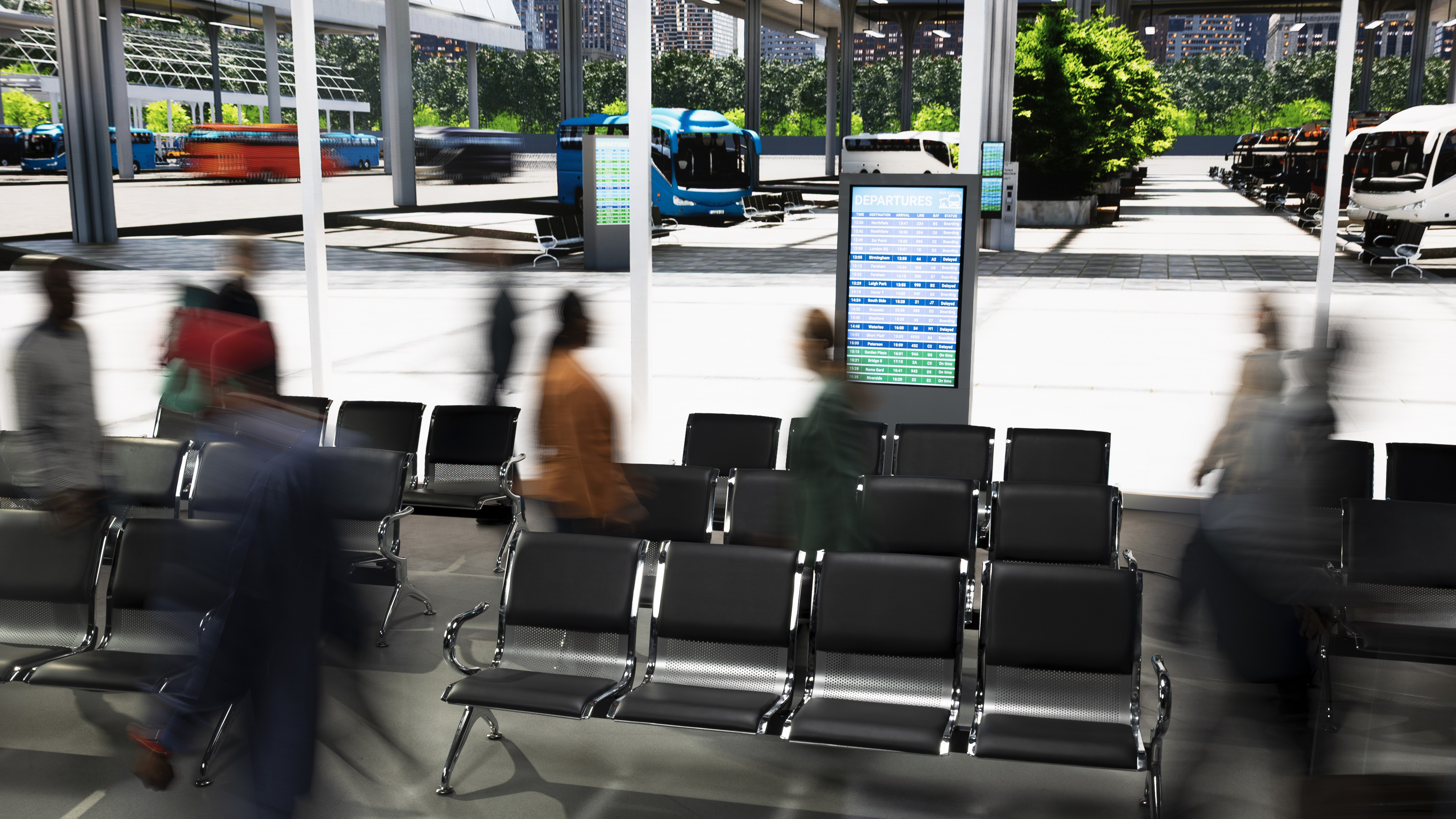
One system serves the indicators on the platform and the stops outside the station. Train and bus come from the same interface, and your service staff answer fewer routine questions.
Departures ABFLUG
14:26ICE 517Berlin HbfPlatform 4On time
14:31RE 9AachenPlatform 7On time
14:38IC 2312HamburgPlatform 9On time
14:44S 3AirportPlatform 2On time
Bus 42Central StationBay B3 min
Bus 17Exhibition CentreBay A7 min
N8AirportBay C12 min
DB timetable · GTFS-Realtime · HAFAS · EFALIVE < 5 s
DFI indicator · ScreenWay Player · Simulation

Railway stations
Real-time departure boards, platform changes, delay notices, connections and advertising space for travellers.

Bus stations
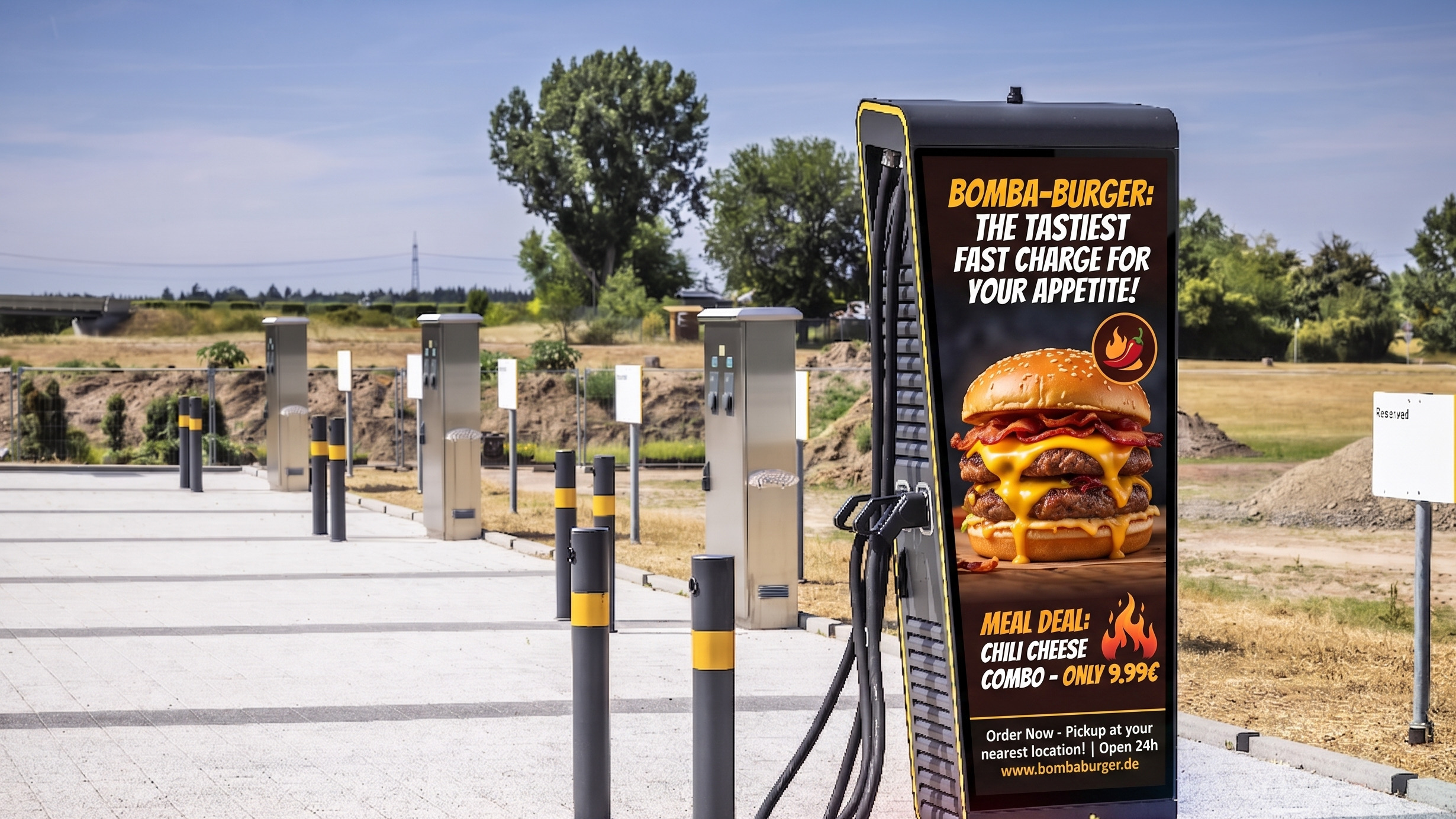
Timetables, stop and route displays in real time, outdoors too: from 2,500 cd/m², IP65, −20 to +50 °C.
- Direct connection to common passenger information systems: GTFS-Realtime, HAFAS, EFA. A platform change is on every indicator within seconds.
- 60% fewer routine questions for service staff since every screen started showing live platform allocation (ICE Station Mitte).

Logistics yard
The yard paces itself.
ScreenWay handles check-in, dock assignment and safety briefings via kiosks and screens. That keeps the barrier clear and takes the manual work off the logistics team. It is the same platform that keeps passengers informed out front in the terminal.
Yard call-up GATE 1
WOB-TR 442Dock 07Please proceed
B-KL 9012Dock 03Loading in progress
HH-XA 771Waiting zone · Space 4Slot 14:40
PL-GD 5518Checked inCheck-in at kiosk 2
Number plate recognition activeAvg. handling −30%
Yard screen at the barrier · Simulation
−30 %Handling time in a real-world Yard Management example
Legally compliant documentation
The barrier only opens once the driver has confirmed the safety briefing in their native language. Every step is logged.
Truck self check-in
Drivers identify themselves at the kiosk by ID scan, QR code or PIN. Dock assignment and a safety briefing in their native language follow, as a video or image sequence. The barrier opens only after confirmation.
- Identification
- ID scan · QR · PIN
- Briefing
- Native language
- Release
- after confirmation
Number plate recognition
Pre-registered number plates drive straight through, or alternatively by PIN or QR code. The team only steps in for exceptions.
- Entry
- automatic
- Fallback
- PIN / QR code
- Registration
- in the system beforehand
Slot management
Time-slot planning runs live alongside: drivers see waiting time and call-up, yard staff see occupancy. That cuts idle times.
- Planning
- Time slots live
- Display
- Barrier · Dock · Waiting zone
- Effect
- around −30% time
The digital noticeboard
For everyone without a desk PC: shift schedules, utilisation, stock levels and safety protocols hang as a screen in the warehouse and on the shop floor. Staff confirm training and briefings right at the terminal.
Shift schedules, Utilisation, Stock levels, Safety protocols, Training at the terminal
HALL 2 · SHIFT B14:21
Goods receiptTeam 4 · until 22:00
Order pickingTeam 2 · until 18:00
Forklift licence refresherTerminal 3 · 15:00
Dangerous goods briefing12 of 14 confirmed

Port and ferry
Who goes to which pier, and when.
Embarkation times, routes through the terminal and duty-free offers run on totems that withstand sea air and direct sunlight.
Embarkation EINSCHIFFUNG
MS NORDLICHTOsloEmbarkation in progressPier 2 · Gangway A
FÄHRE VINETAGothenburgCheck-in openPier 4
MS BALTICAKlaipėdaFrom 15:10Pier 1
AURORATallinnGate closedPier 6
Duty-free open until 21:00 · Terminal navigation level 1LIVE < 5 s
Embarkation totem on the pier · Simulation
Ports and ferries
Embarkation times, terminal navigation, duty-free promotions and passenger information for cruise and ferry terminals.
- International passengers: automatic language switching and rotation, prioritised by destination or time of day.
- Outdoor-ready: screens from 2,500 cd/m², IP65, −20 to +50 °C, vandal protection up to IK 10.
- The Player keeps running offline. Schedule and content are stored locally; a network outage does not interrupt the display.

Safety and security
In an emergency, all four zones switch over.
The displays switch to emergency mode, zone by zone or across the whole hub, automatically or at the push of a button. The four screens from the tour are lined up here side by side; as soon as you reach this section, the simulation triggers the override.
- Automatic triggering by fire alarm system or security control centre
- Multilingual emergency notices
- Zone-by-zone triggering: only affected areas switch over
Terminal
Departures14:21
14:35PALMAC14
14:40CHICAGOBoarding
14:55PARIS CDGOn time
Platform
Departures14:21
14:26ICE 517Platform 4
14:31RE 9Platform 7
14:38IC 2312Platform 9
Depot
Yard14:21
WOB-TR 442Dock 07
B-KL 9012Dock 03
HH-XA 771Slot 14:40
Pier
Embarkation14:21
NORDLICHTBoarding
VINETACheck-in
BALTICAFrom 15:10
Simulation, no real alert.
CAP, Alertus and others, KRITIS-ready, On-premises without cloud, ISO 27001, Audit logs, Penetration tests
The benefits, all on one wall.
Six reasons why hub operators run their screen fleet with ScreenWay. The size of each sign shows how much it matters day to day.
Real-time integration
Direct connection to FIDS, BIDS, GIDS and common passenger information systems (AODB, REST/SOAP, XML/JSON, GTFS-Realtime, HAFAS, EFA). Gate changes appear within seconds.
Multilingual by default
Automatic language switching, parallel maintenance, rotation, RTL languages (Arabic, Hebrew); prioritisation by destination or time of day.
Waiting-time management
Up to 33% less perceived waiting time; informed passengers wait more calmly and buy more.
Instant emergency communication
Connection to fire alarm systems and security control centres (CAP, Alertus and others); terminal-specific, multilingual, in real time. KRITIS-ready: on-premises without cloud, ISO 27001, audit logs.
Analytics and passenger intelligence
Playback reports, uptime monitoring, reach estimates and, on request, anonymised footfall measurement. Advertising billing is based on this.
Non-aeronautical revenue
In the terminal, the screen is among the most valuable advertising spaces anywhere. What the ad sales bring in funds the signage infrastructure.
to 40 % of non-aeronautical revenue comes from areas that screens directly influence
From the field.
Three operators from three worlds of transport report what has changed.
1 of 3
Since we started using ScreenWay for our gate displays, gate changes no longer trigger panic. Passengers see the information immediately – complaints are down by 70%.
Frequently asked questions.
Any questions?
If your question is not listed here, write to us and we will answer it for your hub.
Get in touchWe will show you at your hub.
The demo is free and runs on a setup like yours. For your Yard Management we will build a proof of concept on request, and we will walk you through what the advertising spaces in the terminal can bring in.
From €8 per screen per monthMinimum term 12 months, then cancellable monthly